About dialog
The About dialog gathers, in a single place, the information you usually need when you want to check which version you run, report an issue, or open the documentation.
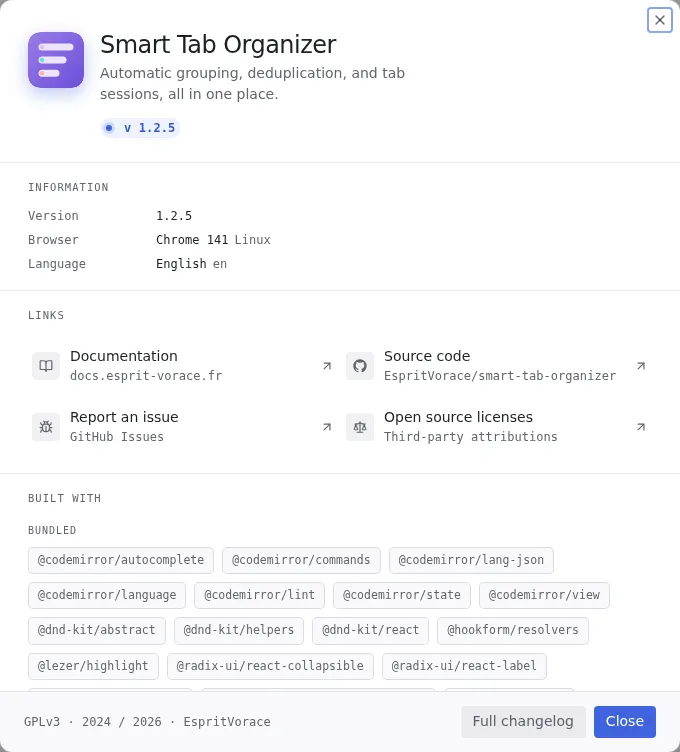
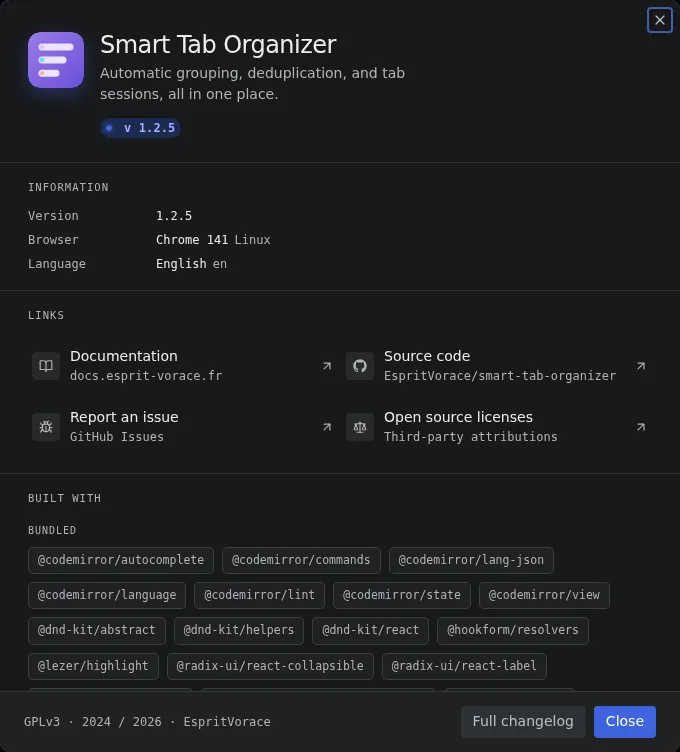
Open the dialog
Section titled “Open the dialog”- Open the workspace switcher (the dropdown at the bottom of the Options page, or its counterpart in the popup).
- Pick the
About...entry. - The dialog opens, centered, on top of the current page. Close it with the Close button, the cross at the top right, or the
Escapekey.
What it shows
Section titled “What it shows”The dialog is split into a fixed header, three scrollable sections and a footer.
Header
Section titled “Header”The extension icon, its name (Smart Tab Organizer), a one-line tagline, and a version chip (v X.Y.Z).
Information
Section titled “Information”Runtime details detected from the browser, useful to attach to a bug report:
| Field | Meaning |
|---|---|
| Version | The installed version of the extension. |
| Browser | The detected browser and its major version (Chrome, Firefox, Edge, Opera, Safari). The operating system (Windows, macOS, Linux, Android, iOS) is shown next to it. |
| Language | The active interface language (English, French or Spanish) with its short code (en, fr, es). |
Four shortcuts opening in a new tab:
| Link | Destination |
|---|---|
| Documentation | This site, docs.esprit-vorace.fr. |
| Source code | The GitHub repository EspritVorace/smart-tab-organizer. |
| Report an issue | The GitHub issue form, to file a bug or a request. |
| Open source licenses | The Open source licenses reference, listing every third-party attribution. |
Built with
Section titled “Built with”The open source components bundled in the extension, shown as chips. A collapsible Dev tools subsection lists the packages used only to build and test the project (not shipped in the extension). The full list, with versions and licenses, lives on the Open source licenses page.
Footer
Section titled “Footer”The license and copyright span (GPLv3 · 2024 / 2026), a link to the author, and the Close button. The Full changelog button opens the GitHub releases page in a new tab, where every version and its notes are listed.