Exploration catalogue
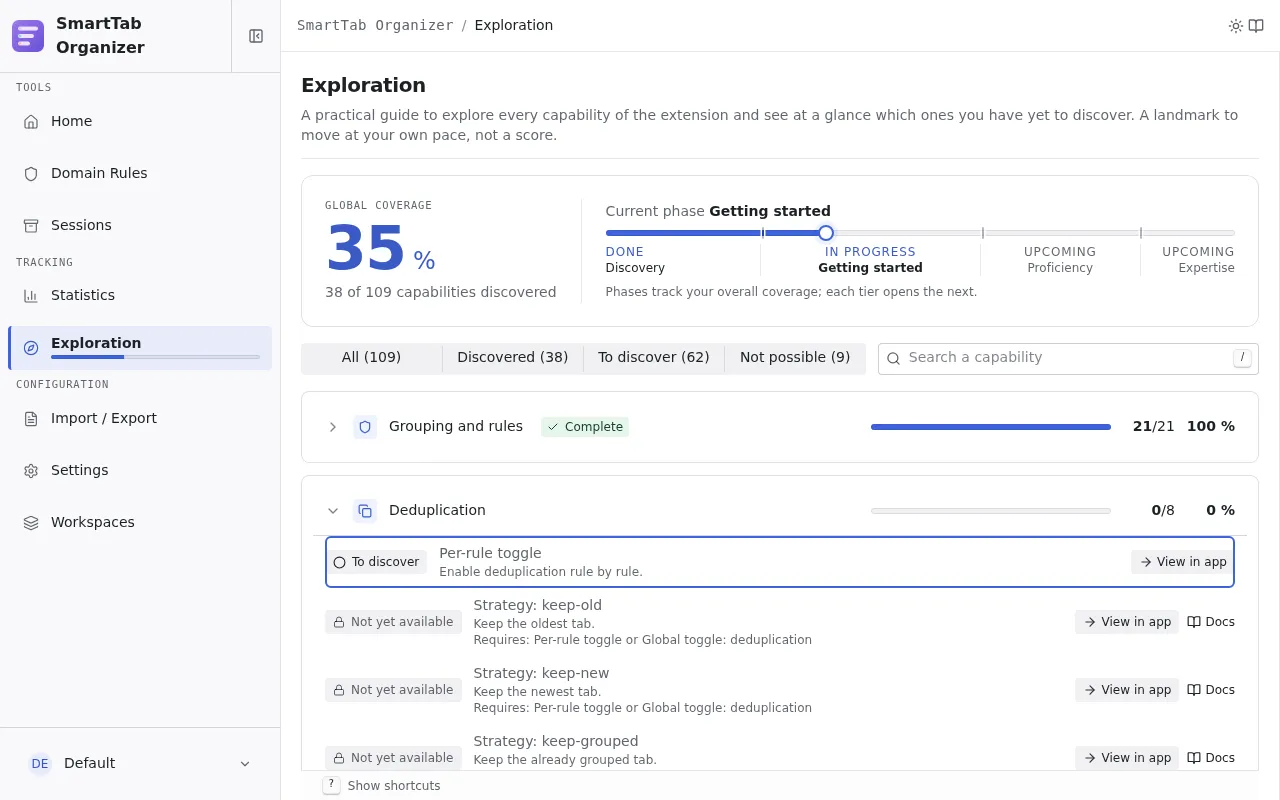
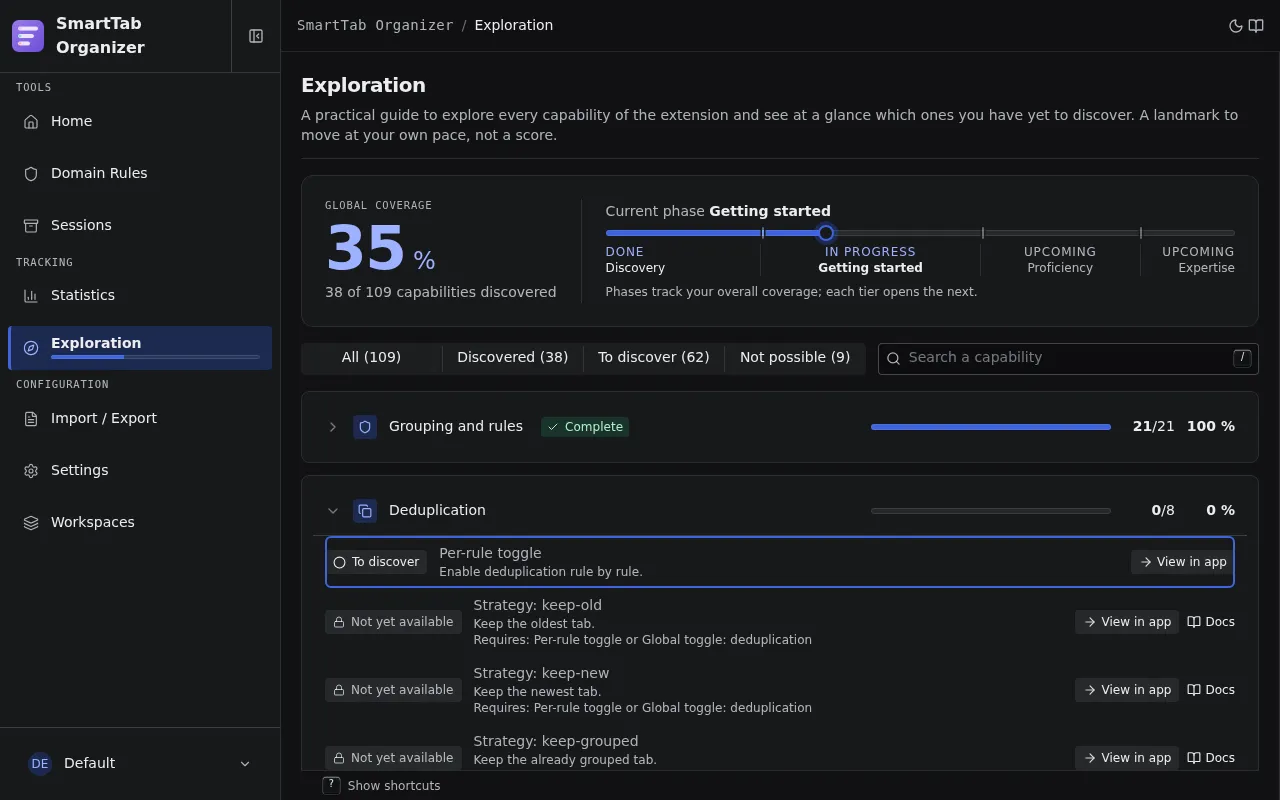
The Exploration catalogue (“Référentiel d’exploration”) is an internal map of everything the extension can do, doubled with a lightweight tracking layer that records what you have already discovered. It lives in the Tracking section of the sidebar, next to Statistics, and a compact widget appears on the Home page.
It serves two goals:
- An exhaustive catalogue of user-facing capabilities, including the corners nobody reads about in the documentation. Each entry carries a short label, a one-sentence description, a direct link to where to use it, and a link to the matching documentation page when one exists.
- A “discovered / not yet” tracking layer that feeds per-domain progress bars plus a flat global coverage, itself translated into a named phase.
Coverage and phases
Section titled “Coverage and phases”Coverage is flat: every catalogue entry counts for 1 in a single total. The global percentage drives the current phase:
| Phase | Global coverage |
|---|---|
| Discovery | 0 to 25 % |
| Getting started | 25 to 60 % |
| Proficiency | 60 to 85 % |
| Expertise | 85 to 100 % |
Each of the ten domains (grouping, deduplication, sessions, workspaces, packs, import/export, statistics, navigation, help, settings) shows its own progress bar.
Three display states
Section titled “Three display states”Every entry is rendered in one of three states, derived at display time (never stored):
- Discovered: the capability was discovered automatically or marked manually.
- To discover: not discovered yet, and reachable (its prerequisites are met, or it has none).
- Not yet available: not discovered yet, and its prerequisites are not met.
Prerequisites (possible / not possible)
Section titled “Prerequisites (possible / not possible)”Some capabilities are only logically reachable after another (you cannot edit a
rule without first creating one, or importing a pack that creates rules). An
entry can declare a prerequisite expression over other capabilities, with
and / or paths:
type Prerequisite = | CapabilityId // a leaf: another capability id | { allOf: Prerequisite[] } // AND | { anyOf: Prerequisite[] }; // ORFor example, “Edit a rule” requires “Create a rule” or “Apply a pack”. A “not yet available” line spells out its missing prerequisite in clear text. This is purely descriptive: the real app is never blocked, and nothing is rewarded when a capability becomes reachable.
Manual marking
Section titled “Manual marking”You can declare that you already know a capability by clicking its status badge, even if the app has not detected it. This is a neutral, reversible self-assessment:
- Marking is offered only on to discover entries.
- Removing a mark is offered only on entries discovered manually only.
- An automatic discovery can never be undone, and manual marking is never offered on a “not yet available” entry.
A manually marked prerequisite unblocks its dependents exactly like an automatic discovery.
How discovery is detected
Section titled “How discovery is detected”Discovery is marked the first time a capability is shown or selected, never on save. It is idempotent and not reversible. Four detection paths are used, by increasing cost:
- Touchpoint marking on an existing callback (for example, showing a rule config mode marks it, even if you cancel the wizard afterwards).
- Derivation from an observed state mutation after init (a workspace was created, a distinct deduplication match mode appeared).
- Reuse of an existing counter or flag for capabilities that coincide with normal usage (taking a snapshot, exporting).
- Manual marking by the user, which complements (never replaces) the automatic detection.
Adding a catalogue entry (for contributors)
Section titled “Adding a catalogue entry (for contributors)”Entries live in src/exploration/catalog.ts. Each one declares an id
(kebab/dot-case, unique), a domain, a labelKey and descriptionKey (i18n),
a uiTarget (deep link), an optional docUrl, a detect mode, and optional
prerequisites. After adding an entry, add its labelKey and descriptionKey
to the three locales in public/_locales/{en,fr,es}/messages.json and run
pnpm i18n:types. The catalogue is validated at boot (validateCatalog): no
duplicate id, all domains valid, every referenced prerequisite exists, and no
prerequisite cycle.