SmartTab Organizer


Everything your tabs need
Six complementary features that turn an overloaded browser into an organized work tool.
Automatic grouping
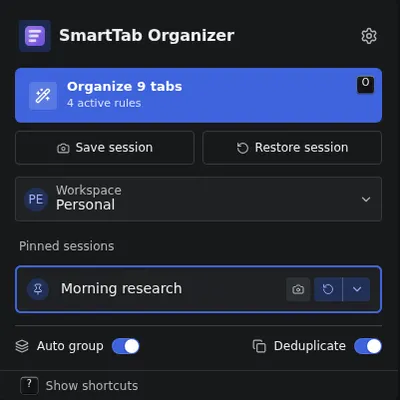
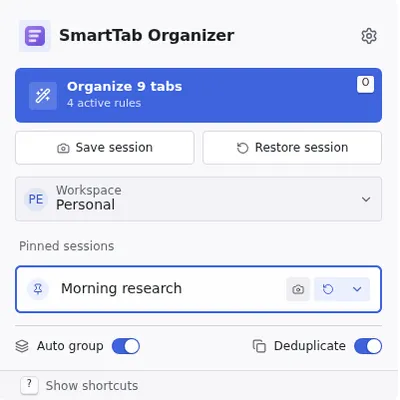
Tabs opened from the same parent join a colored group, following your rules, with no manual work.
Deduplication
Three matching modes (exact URL, ignored params stripped, includes) close duplicates while keeping the right tab.
Sessions and profiles
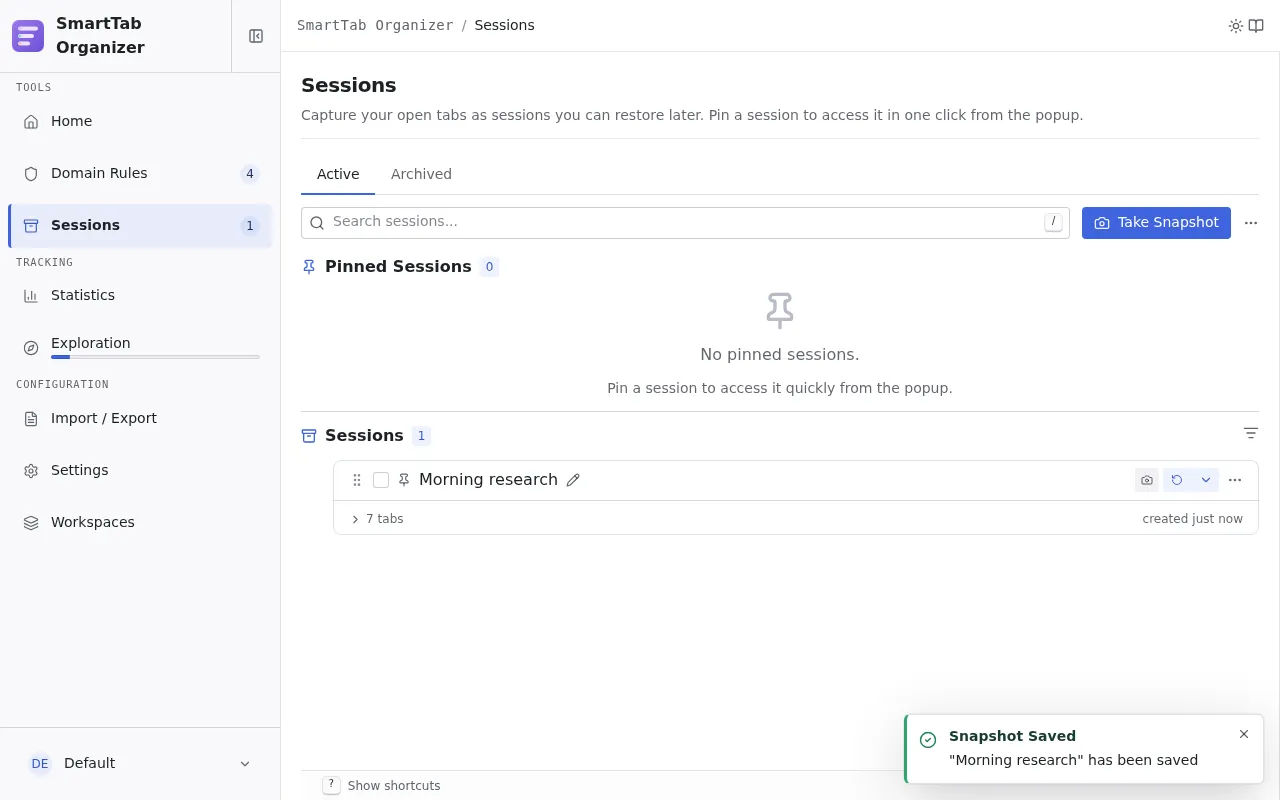
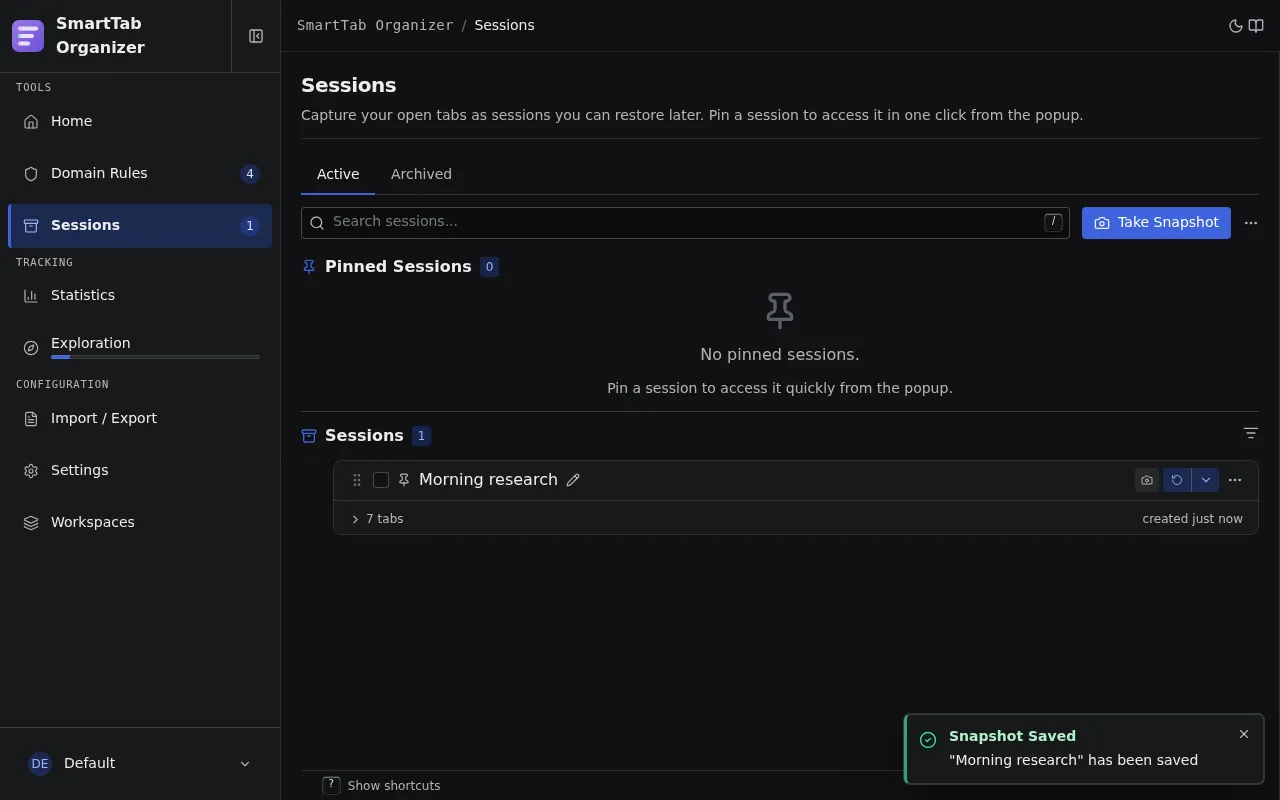
Capture the browser state, pin recurring contexts, restore them in one click with conflict resolution.
Rules and regex packs
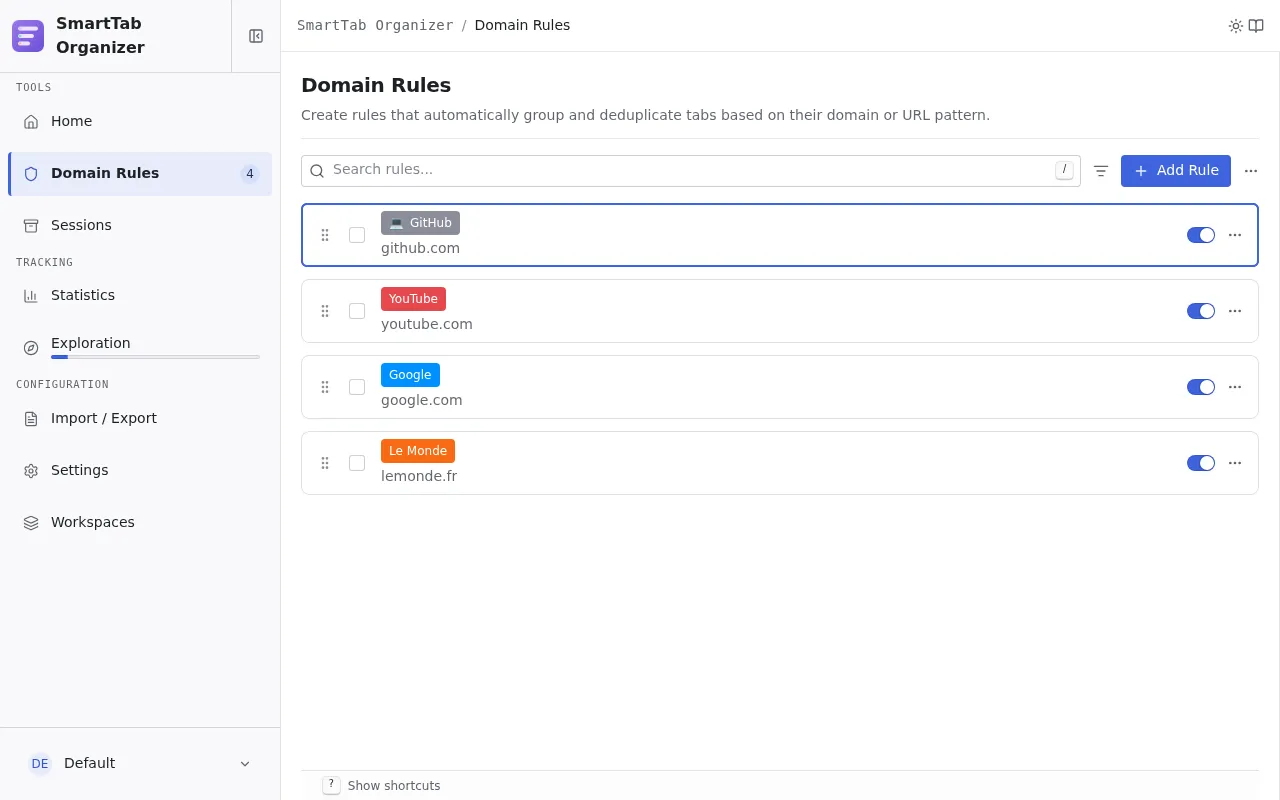
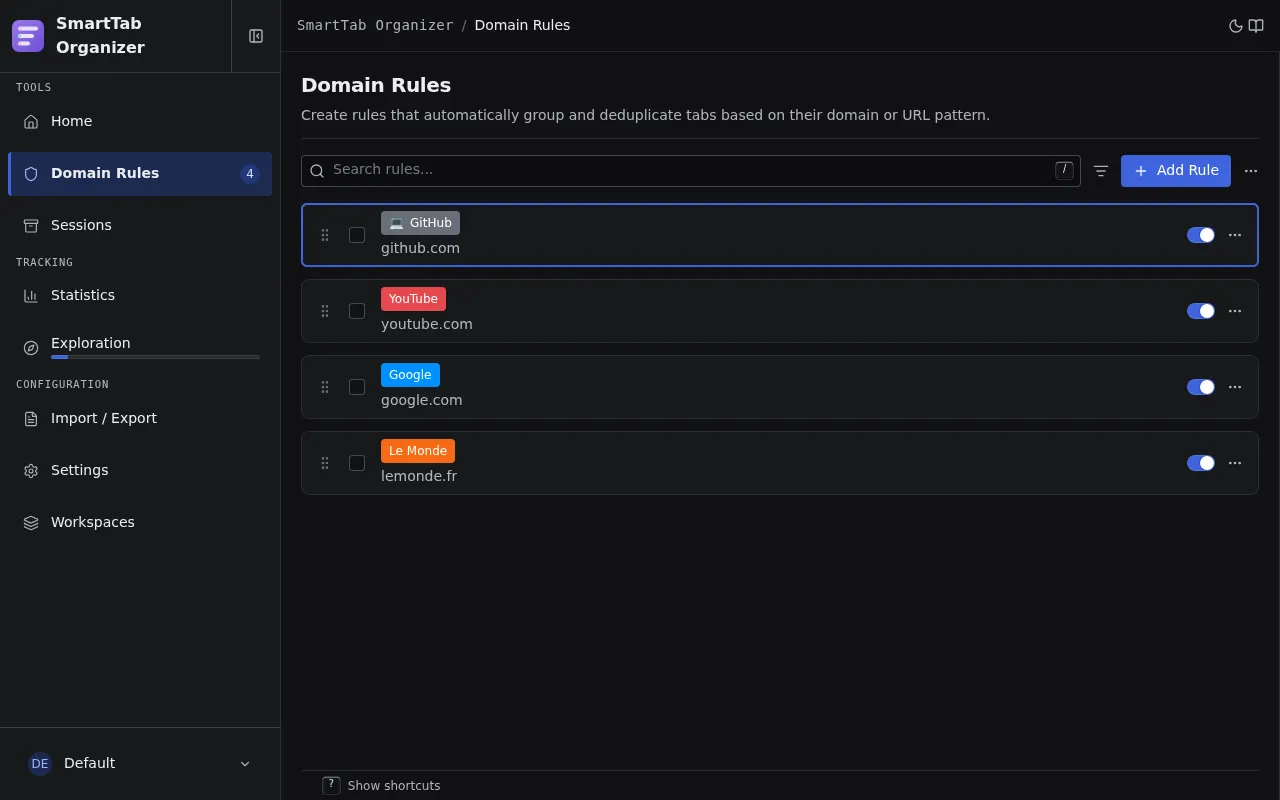
Write your own regular expressions or start from 49 ready-to-use packs, sorted by category.
Import and export
Back up and share your rules and sessions as validated JSON, with conflict detection and resolution.
Workspaces
Separate work and personal life through distinct workspaces, each with its accent color and window exclusivity.
A look in pictures
Your rules group the tabs, your sessions save your work contexts.
Everything is local, nothing goes online
The exact opposite of AI naming tools, which send your URLs to a remote service. Here, your data never leaves the browser.
- Stored in browser.storage.local, on your machine.
- Zero network request initiated by the extension.
- Zero telemetry, zero analytics, zero tracking.
- Zero account, zero cloud, zero remote AI.
If you sync your Chrome or Firefox profiles, data follows the profile, but the extension itself never initiates any network communication.
Why not an alternative?
Compared with the two families of alternatives: local regex grouping extensions, and tools that name groups through remote AI.
| Criterion | Smart Tab Organizer | Local regex extensions | AI naming tools |
|---|---|---|---|
| Group naming | Extracted from the URL or title | Fixed, one rule per value | Generated by remote AI |
| Data sent online | None | None | URL and title sent to a third party |
| Price | Free, open source GPLv3 | Often free | Often freemium |
| Source code | Open source (GPLv3) | Varies | Varies |
| Accessibility | Dys fonts, axe-core audits | Varies | Varies |
Values, not just features
What guides every design decision.
Open source
Open, auditable, contributable code. You know exactly what the extension does, line by line.
Accessibility
Fonts designed for dyslexia (Luciole, Atkinson Hyperlegible), visible focus, continuous axe-core audits.
Free forever
No paid version, no premium tier, no gated feature. Everything, for free, for good.
Take back control of your tabs
Install in seconds, with no account and no mandatory setup.