Popup
The popup opens when you click the extension icon in the toolbar. It gives a quick view of grouping and deduplication activity, and exposes the everyday actions.
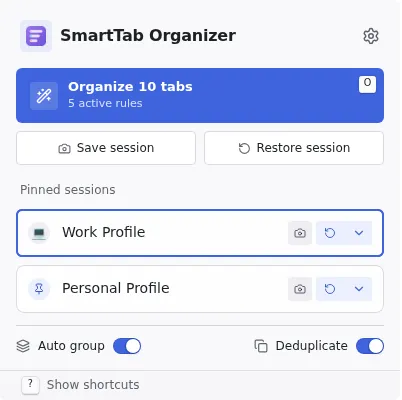
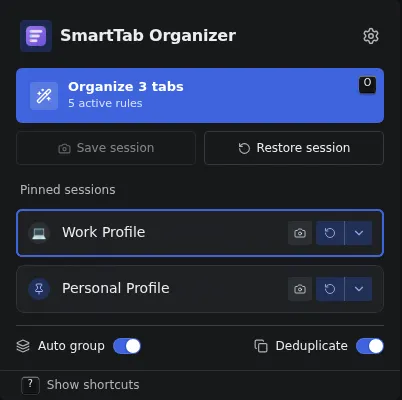
What the popup contains
Section titled “What the popup contains”- Session statistics: number of grouped tabs and closed duplicates since the browser opened.
- Grouping and deduplication toggles: global switches with immediate effect on the entire extension. The off state is reflected by the badge on the icon (see Interface tour).
- Workspace switcher (
PopupWorkspaceSwitcher): change workspace without opening Options. See Workspaces. - Pinned profiles: the list of pinned sessions for the active workspace. Clicking a profile restores it with the configured default action; a context menu exposes the four targets.
- Quick access buttons: open the Rules, Sessions, and Settings pages in a new tab.
Difference with the home page
Section titled “Difference with the home page”The popup and the home page project the same list of pinned profiles, but with different space constraints:
- The popup shows profiles as a compact list with a context menu for the four restore targets.
- The home page shows profiles as wider tiles, with the
R/Shift+R/Alt+R/Alt+Shift+Rshortcuts wired directly to the focused tile.
Next steps
Section titled “Next steps”SessionsCapture, restore, pin a session.
WorkspacesSwitch between workspaces from the popup or Options.
SettingsConfigure the badge, notifications and the default restore action.